Chrome Extension Context Menu
February 16, 2026
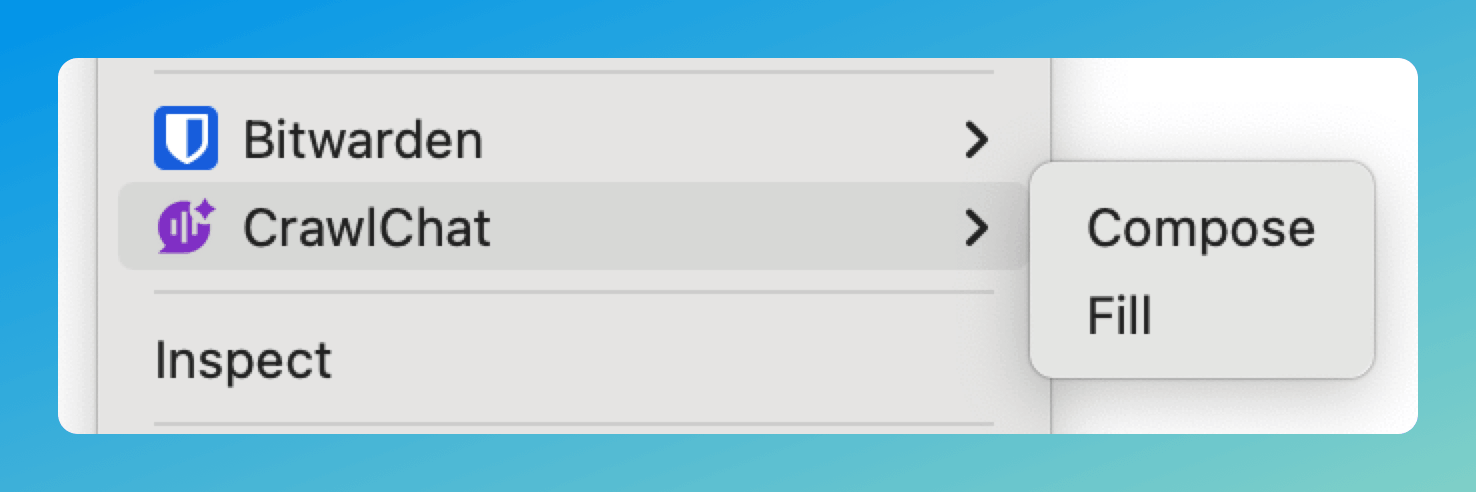
The Chrome Extension now supports a context menu for composing and filling text. Right-click on any text field to access CrawlChat directly — no need to use the sticky button or keyboard shortcuts.
- Click on any text field
- Give the instruction to compose. Ex:
write about installation under 50 words - Right click on the text field
- Go to CrawlChat
- Select Compose to generate and review before inserting
- Select Fill for instant replacement