October 2025
October 28, 2025
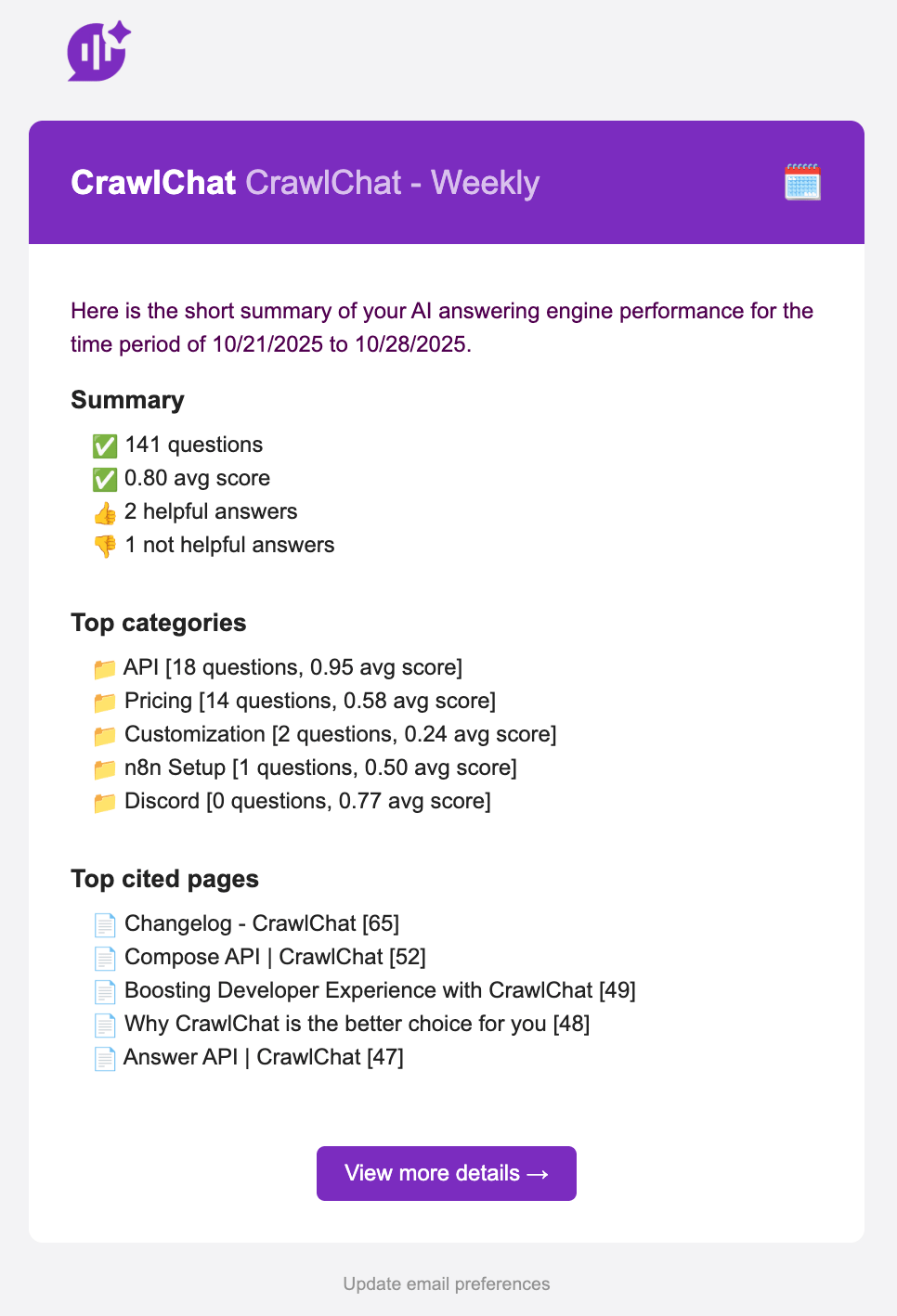
Now the app sends out weekly update email on Friday. This email gives you a brief overview of how the answering engine performed in the last 7 days. It contains important information such as
- Questions & average scores
- Category breakup
- Top cited pages
October 24, 2025
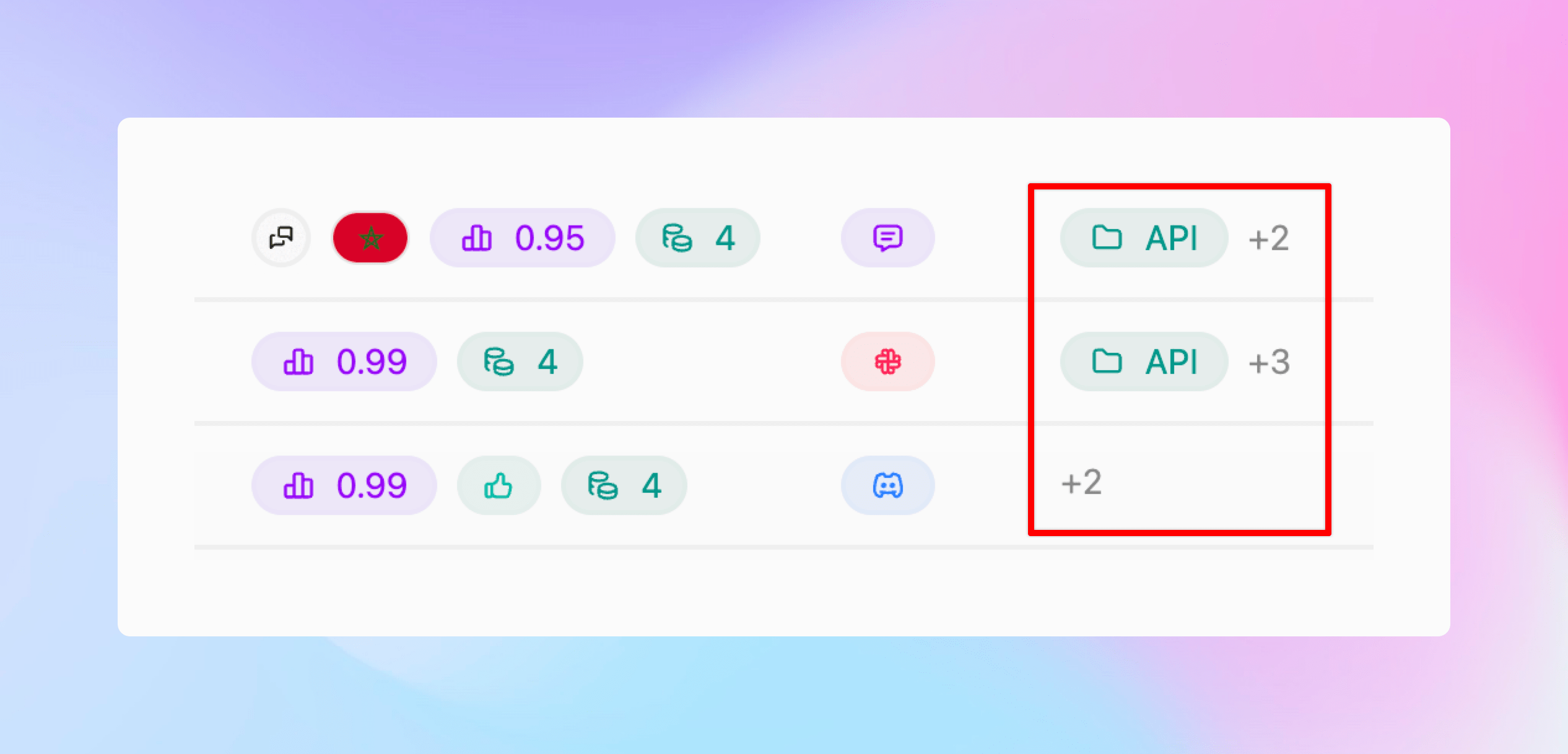
Now you can create Categories for the questions being asked and group them for better analytics. You can configure it as mentioned above
- You can create Categories from Settings
- Give the category a name and description
- CrawlChat will start tagging the category accordingly
- You can see it on Home page and Messages page
- The app also suggests new categories for each message and you can instanly add them
- Deleting a category will stop tagging further

October 21, 2025
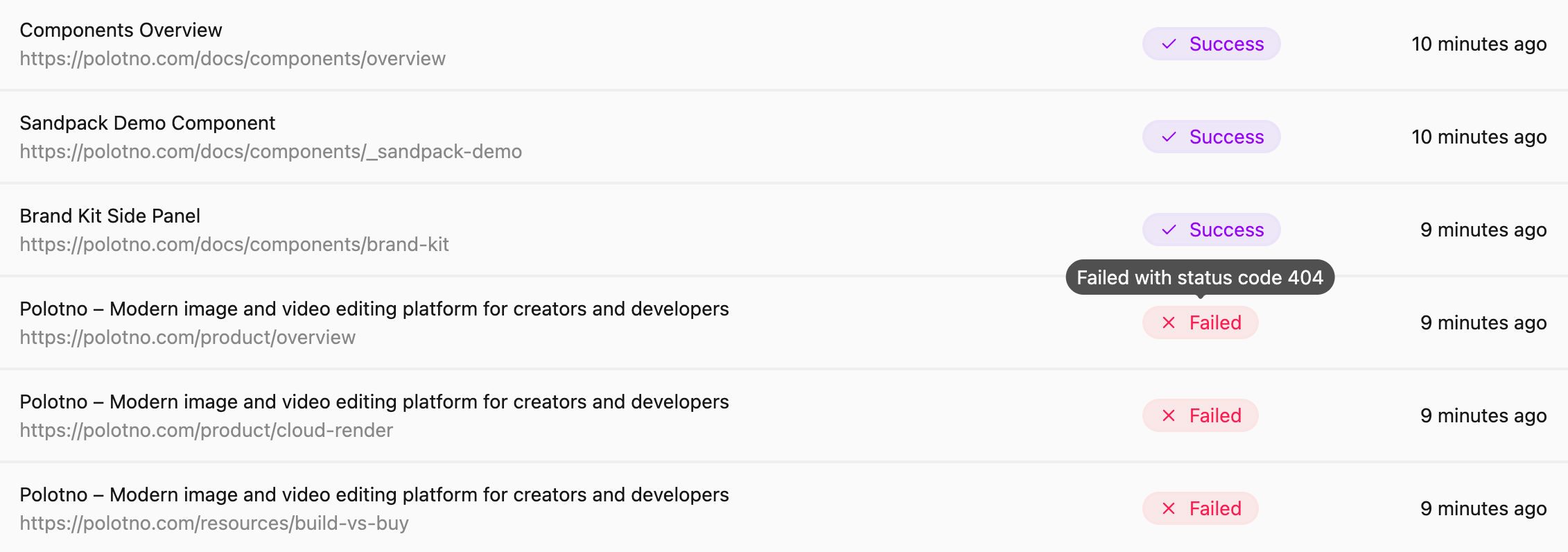
Made following improvements to the web scraping functionality for a better user experience.
- Fixed few bugs with handling relative URLs
- Handle non 200 status code pages and show relevant error message
- UI changes to show full URLs
October 18, 2025
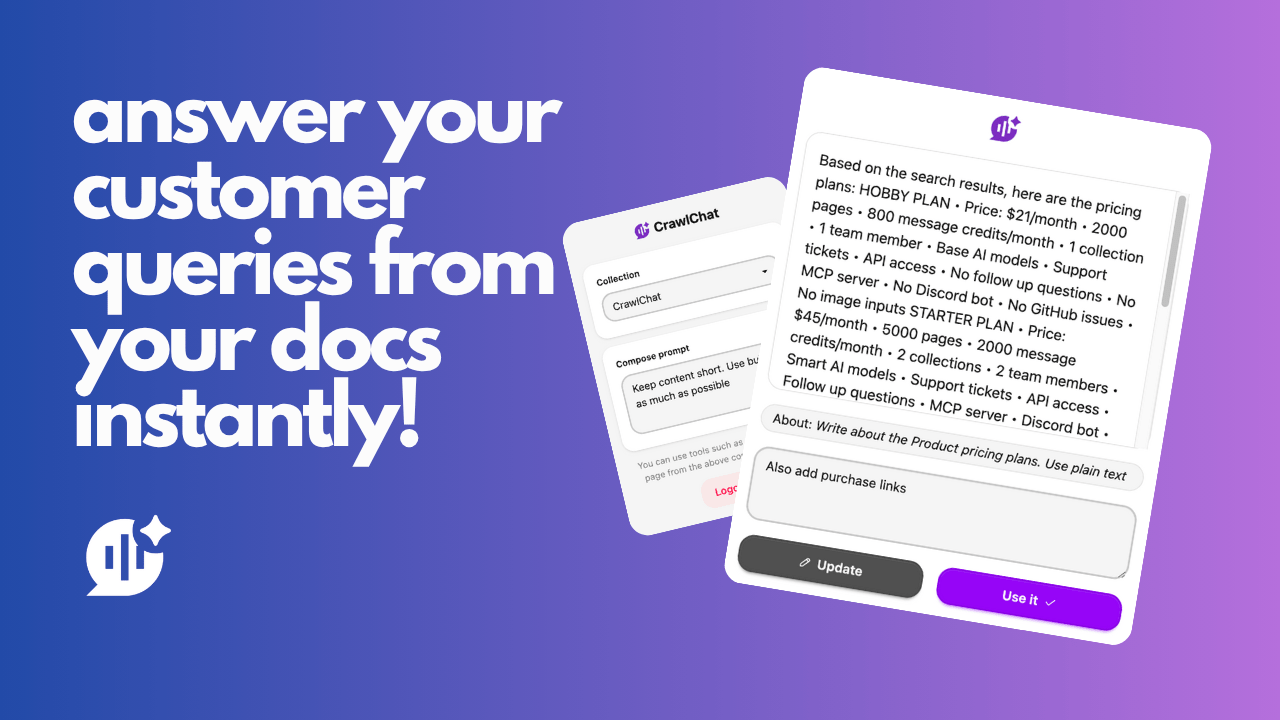
Released a Chrome Extension for CrawlChat. You can use this tool to quickly compose text content from you knowledge base for different purposes and fill forms instantly on any web page. This would be very helpful for customer support teams to compose answers on support tickets, queries, DMs, emails etc. and for Product teams to fill forms for providing FAQs, product specifications, etc.
Read more about it here
October 9, 2025
API access to CrawlChat is out now. You can integrate CrawlChat to your application. To start with, the /answer API is public now. You can use this API to get an answer from your knowledge base for any query, just like you get it on the chat widget. Check docs for more information.
October 1, 2025
You can now connect your Linear issues and projects to CrawlChat as source instantly. The process to set it up is very simple as explained below
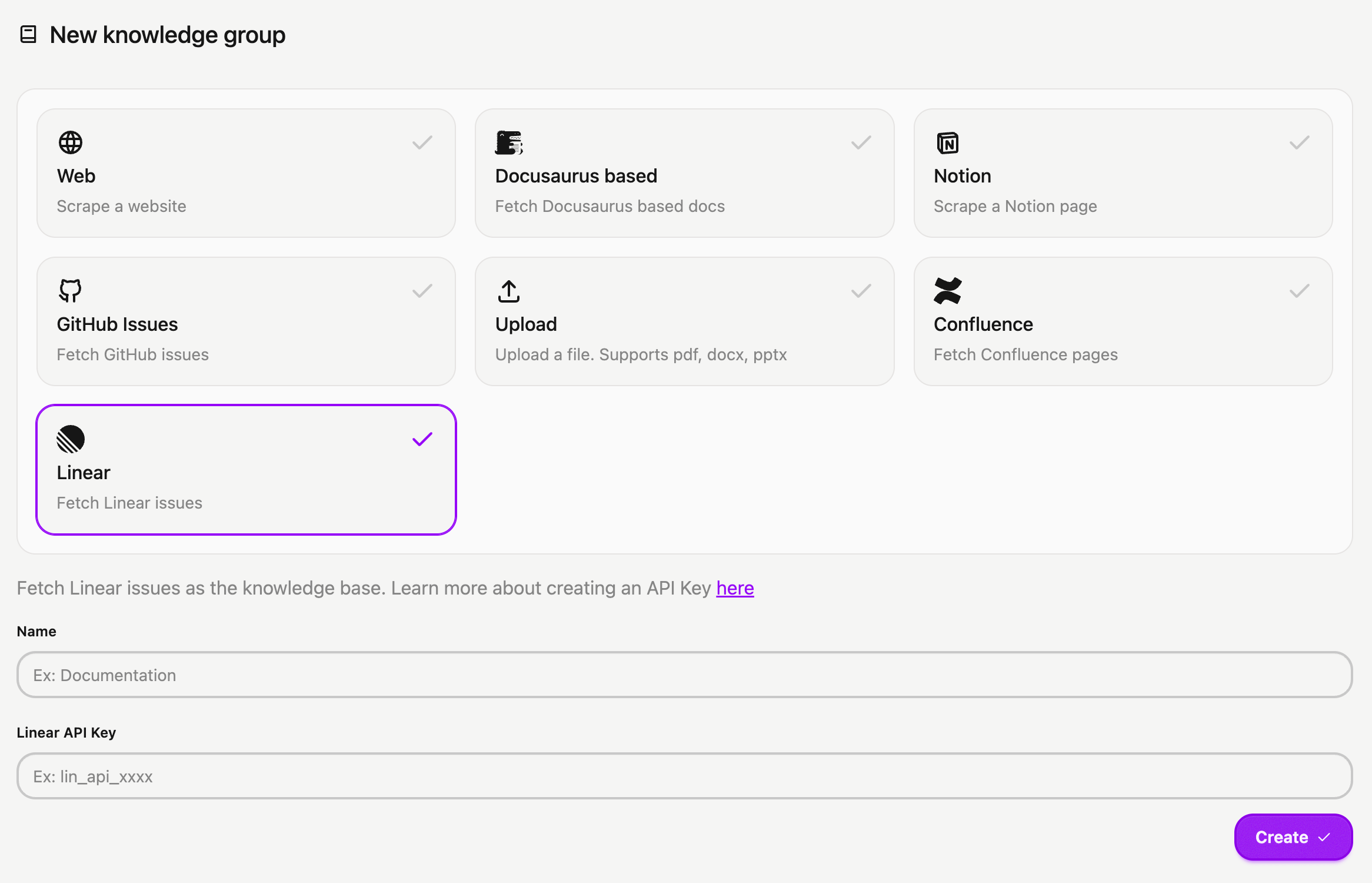
- Log in to your Linear account
- Navigate to Settings > Security & access
- Click New token under Personal API keys
- Name your key (e.g., CrawlChat) and select Only select permissions
- Tick the Read box and choose All teams you can access
- Click Create and copy your API Key
- Head to the New Group page to import your Linear issues into CrawlChat, providing the API token you generated
- Activate auto-update for regularly syncing the latest 250 issues/projects
- Configure statuses to skip irrelevant issues to maintain a clean knowledge base.