April 2026
April 10, 2026
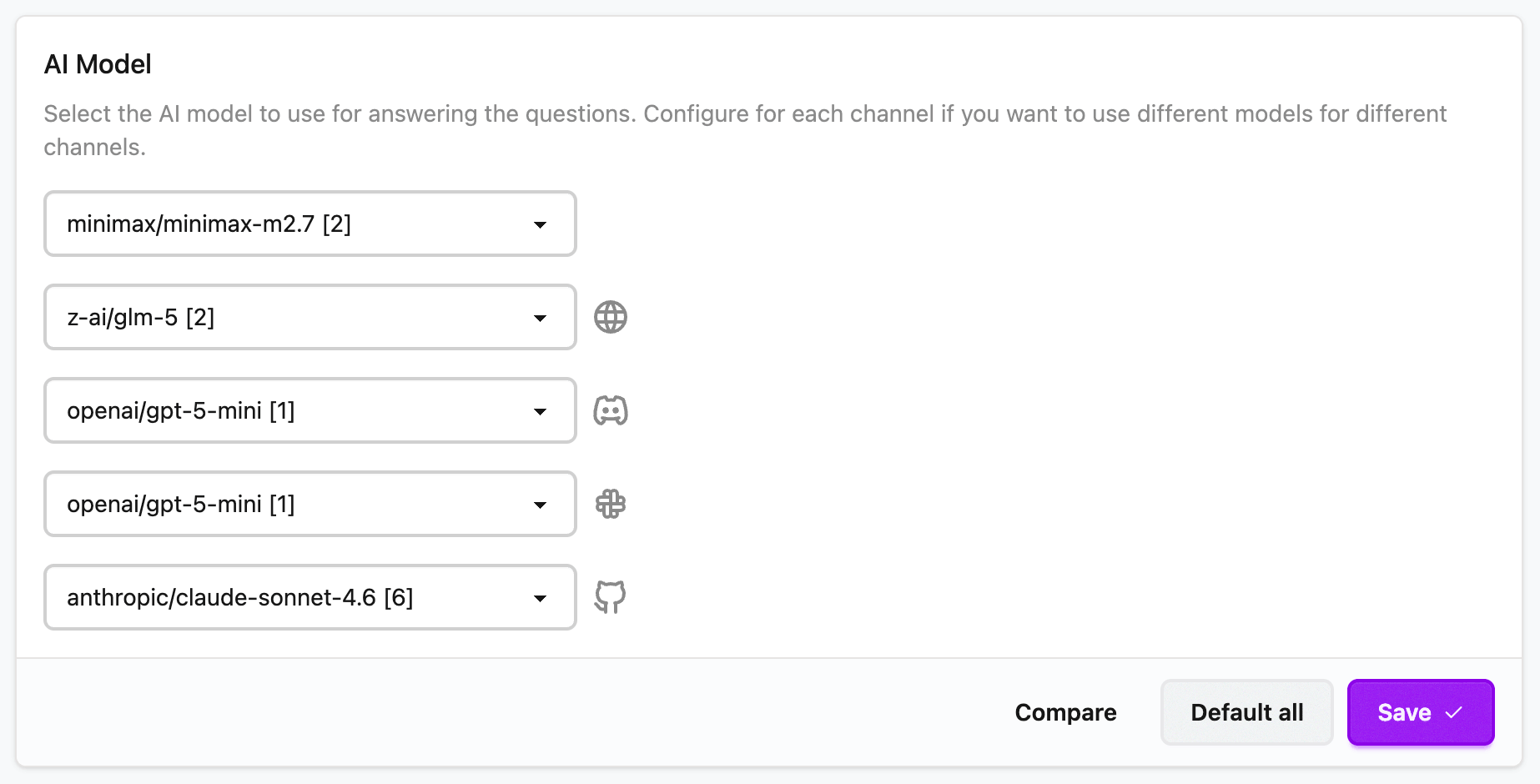
You can now configure an AI model separately for each channel, such as Web embed, Discord bot, Slack app, and GitHub bot. This gives you the flexibility to tailor models to different use cases and user usage patterns. Configure it from here.
April 9, 2026
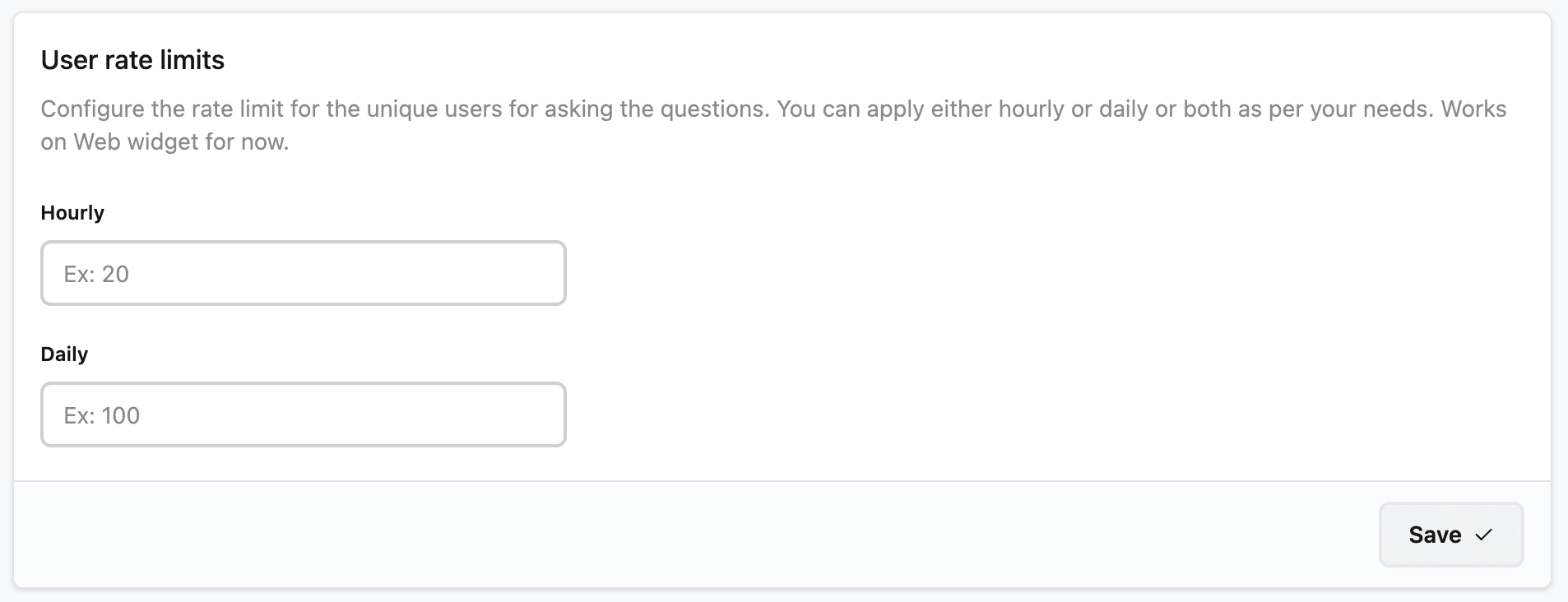
Now you can apply rate limits on unique users for the questions they ask. You can set either Hourly or Daily or both limits. To start with, it is rolled out for web widget. The user gets notified if the limit is reached. You can configure the limits from Settings page.
April 8, 2026
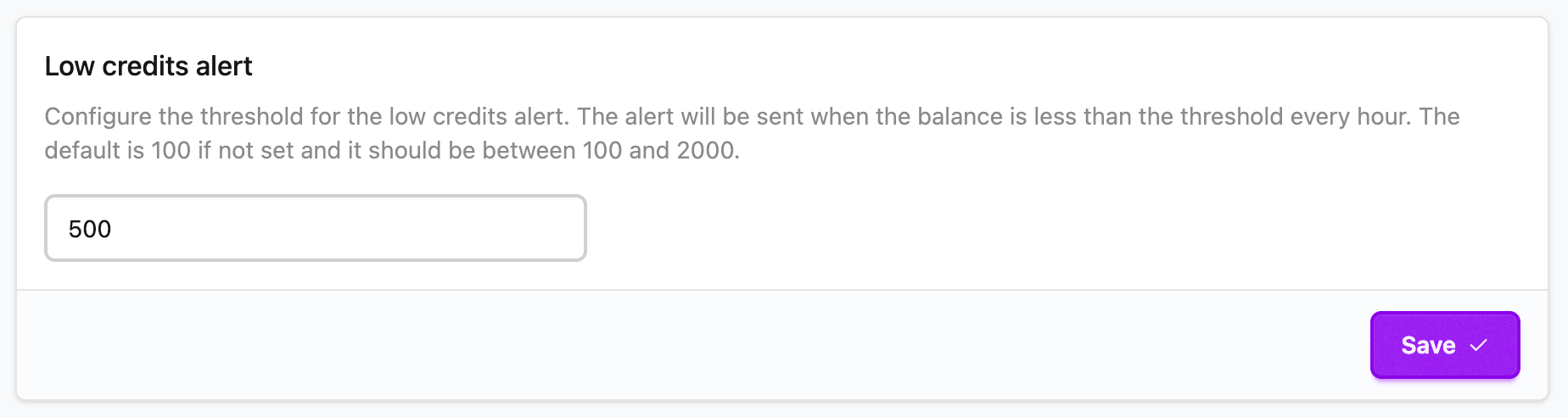
Now you can configure the Low credits threshold. Once your credits reach lower than this number all the team members will start getting notified on email about the low credits. The email will be sent whenever credits are being consumed with at least one hour gap. Configure it from here