August 2025
August 28, 2025
Release two features to manage the Discord bot so that the channels are clutter free.
-
You can configure the Discord bot reply the messages as thread. This makes sure that the conversations are neatly grouped, makes the users to keep track of the threads easy, and keeps the main channel clutter free
-
Now you can set what channels the bot should listen on. If configured, the bot will not reply when some tags the bot from the other channels. Again, very useful to make sure that the community uses the bot only in designated channels.
You can configure above items from the Discord settings page on your dashboard.
August 22, 2025
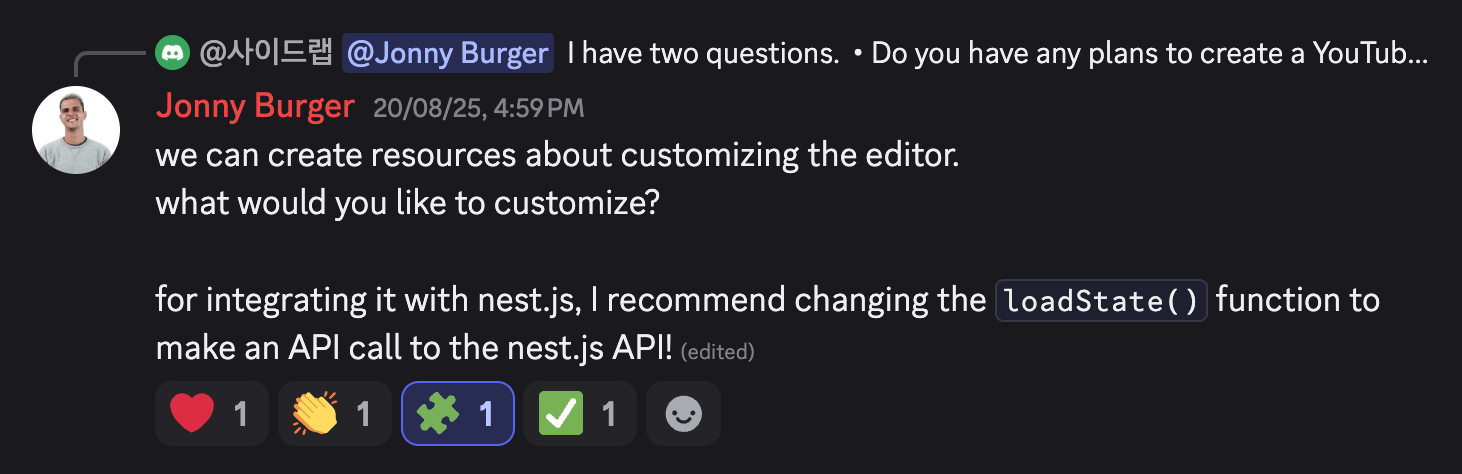
Now you don't have to tag the bot and send message learn to make the bot learn from the conversation on both Slack and Discord bots. Instead, you can just react with 🧩 on the message you want it to learn. It also adds ✅ reaction to confirm that it successfully learnt the message.
It fetched the replies or the thread conversation and adds it to the knowledge base so that it uses it in the future answers. It helps in maintaining the chat space cleaner and clutter free.
August 19, 2025
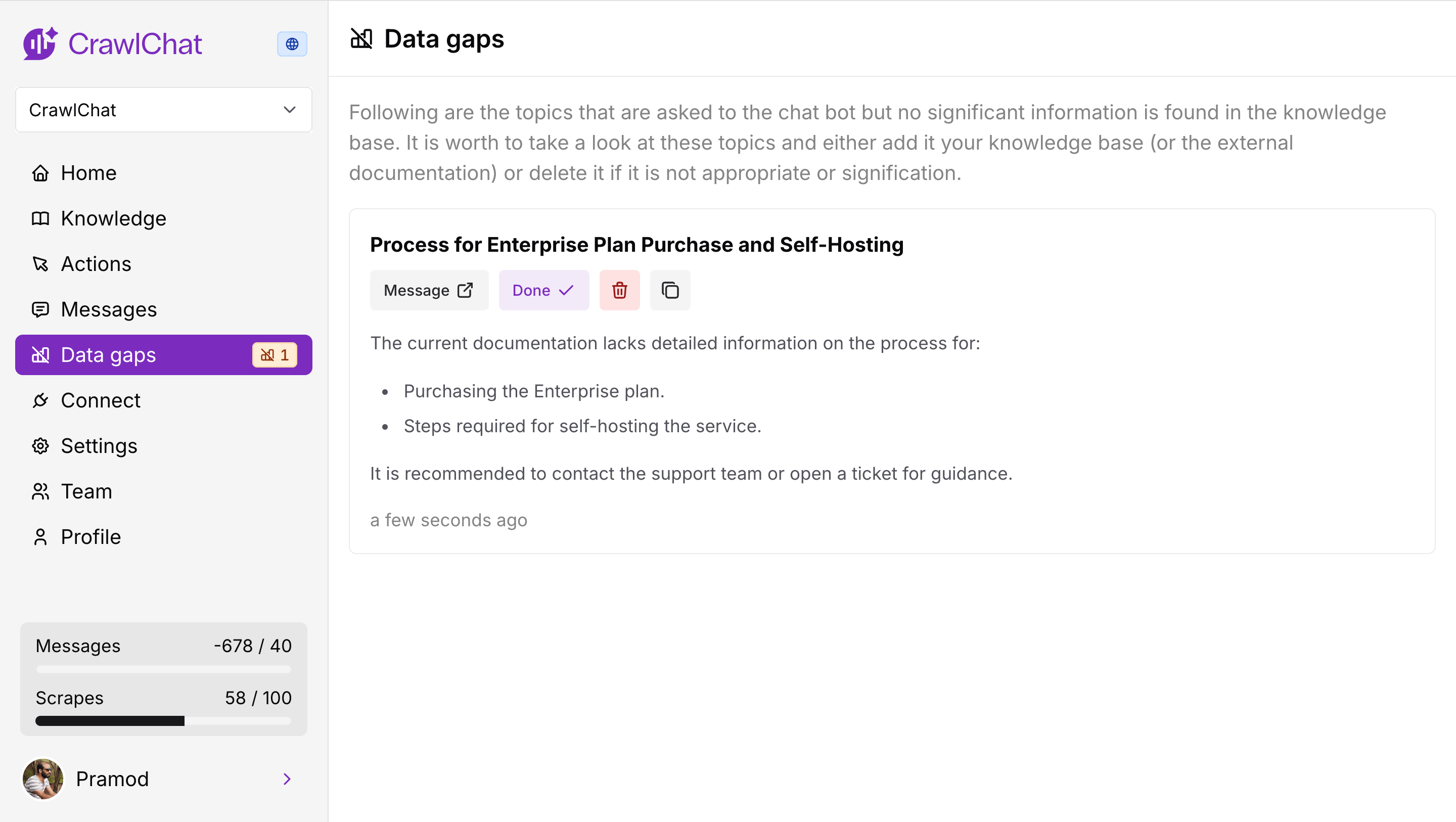
Now the bot analyses the data gaps whenever it gives out an answer for any question across the channels. It primarily checks two aspects
- It checks how densely the data is available from knowledge base for the asked question.
- It checks how relavent the question is for the knowledge base
Depending on the scores for above two features, it decides if there is any potentials data gap. If so, it drafts a note explaining the topic of the data gap and points to cover.
August 11, 2025
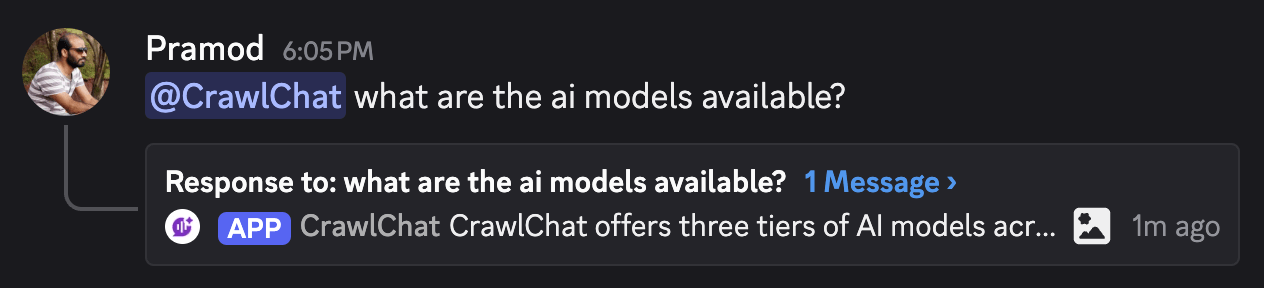
Now the Discord bot supports rating the bot messages using reactions. Community can react with 👍🏻 or 👎 emojis for the bot messages to rate it up or down respectfully. It calculates number of reactions and rate the majority (higher preference to rate down).
These ratings would show up on the dashboard as usual and can be used to fine tune the bot's knowledge.
August 9, 2025
Released three significant changes to Slack bot.
- Private channels - Now the bot works even in private channels. Just add it the channel, tag and ask questions
- Lean - Tag the bot and say learn in a thread so that it adds the entire thread conversation as a knowledge item
- Reply broadcast - You can toggle whether to reply the answer as broadcast to the channel
August 8, 2025
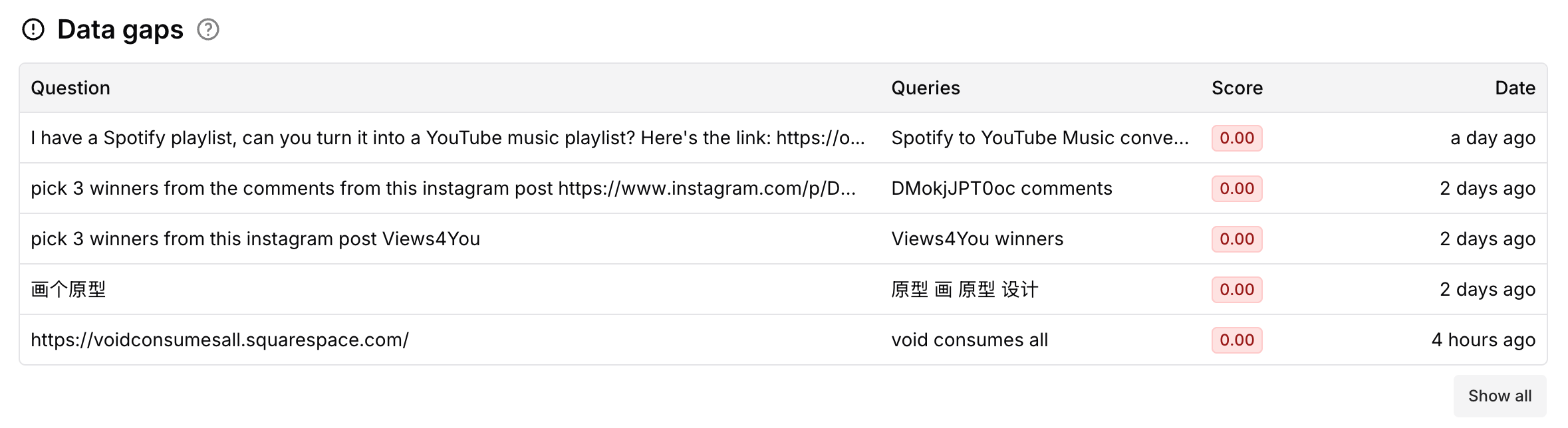
Now it shows the Data gaps in your documentation. It compares the queries incoming and the best match document. If the max score is lower than 0.3, it considers it as a gap in the documentation. More tools on it in future releases.
August 2, 2025
Now you can make the collections Private. A private collection lets only private channels such as Slack, Discord to interact with your knowledge. Private collections are best when you want only internal teams to use the bot.
Here is the summary
| Collection type | Web (widget) | Slack bot | Discord bot | MCP |
|---|---|---|---|---|
| Public | ✅ | ✅ | ✅ | ✅ |
| Private | ❌ (Only for team members) | ✅ | ✅ | ❌ |
August 1, 2025
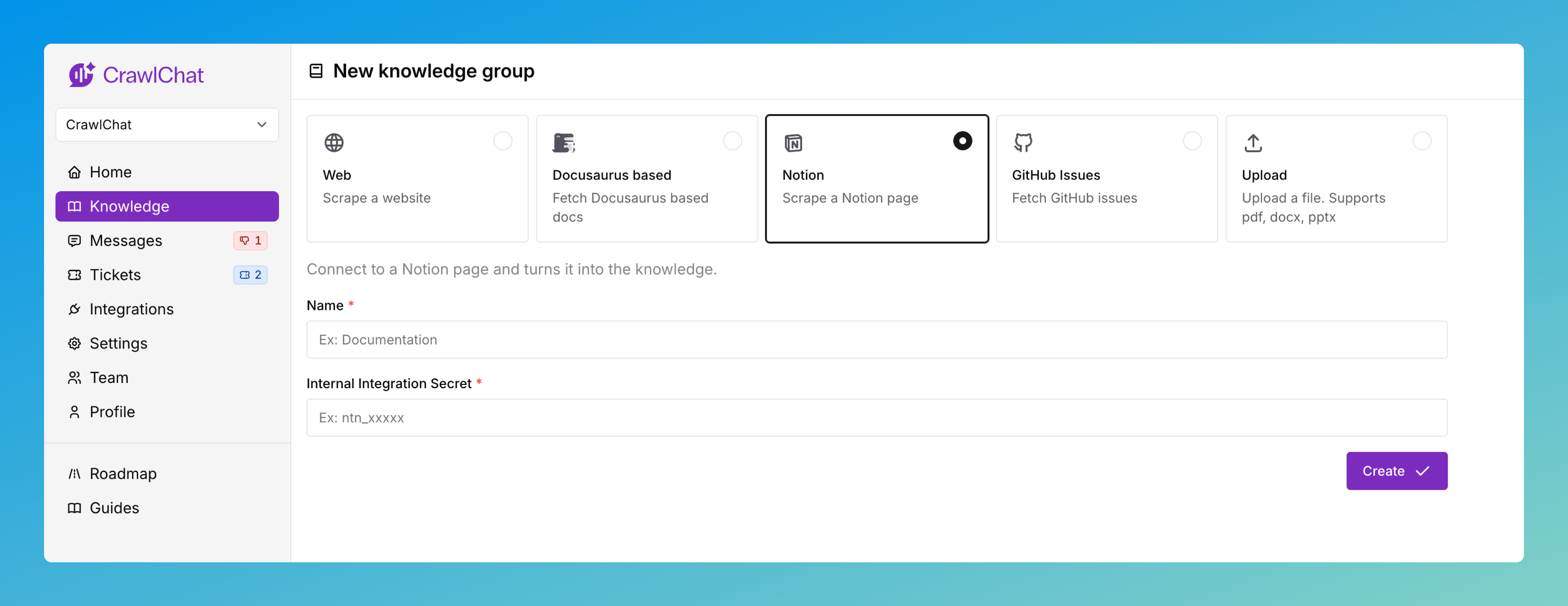
You can now connect your private Notion pages as knowledge source on CrawlChat and keep it sync with the pages all the time. You need to create an API token on Notion to make it work. The entire guide for setting it up is here
Once you have setup the Knowledge Group, you can configure the pages to ignore and auto update from the knowledge group setting page.